About POS Software
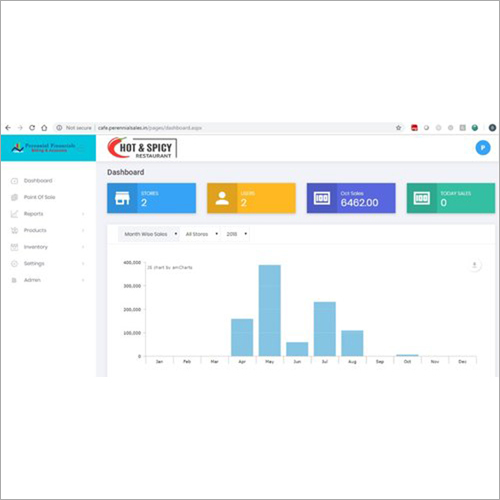
Discover our Top POS Software, a featured solution engineered for superior efficiency and masterful simplicity. Fully compatible with SQL, MySQL, Oracle databases and equipped for LAN or Wi-Fi networks, this radiant system offers automatic and cloud data backups. Its customizable invoices, advanced barcode integration, and multi-printer support ensure seamless operations. Ideal for restaurants, retail, supermarkets, and more, it provides 24x7 support, unlimited user licensing, and robust security with encrypted data storage and customizable user access rights-delivering unmatched value to any business environment.
Versatile Usage and Seamless Application
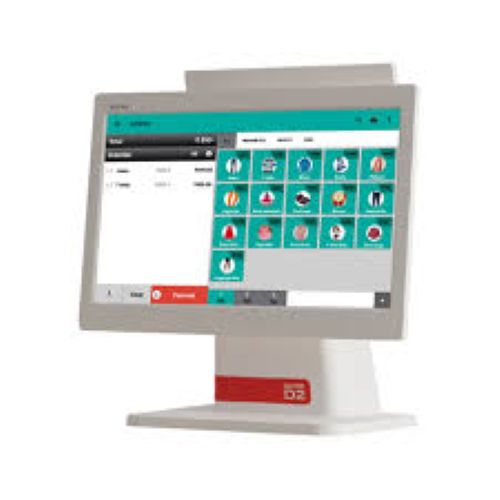
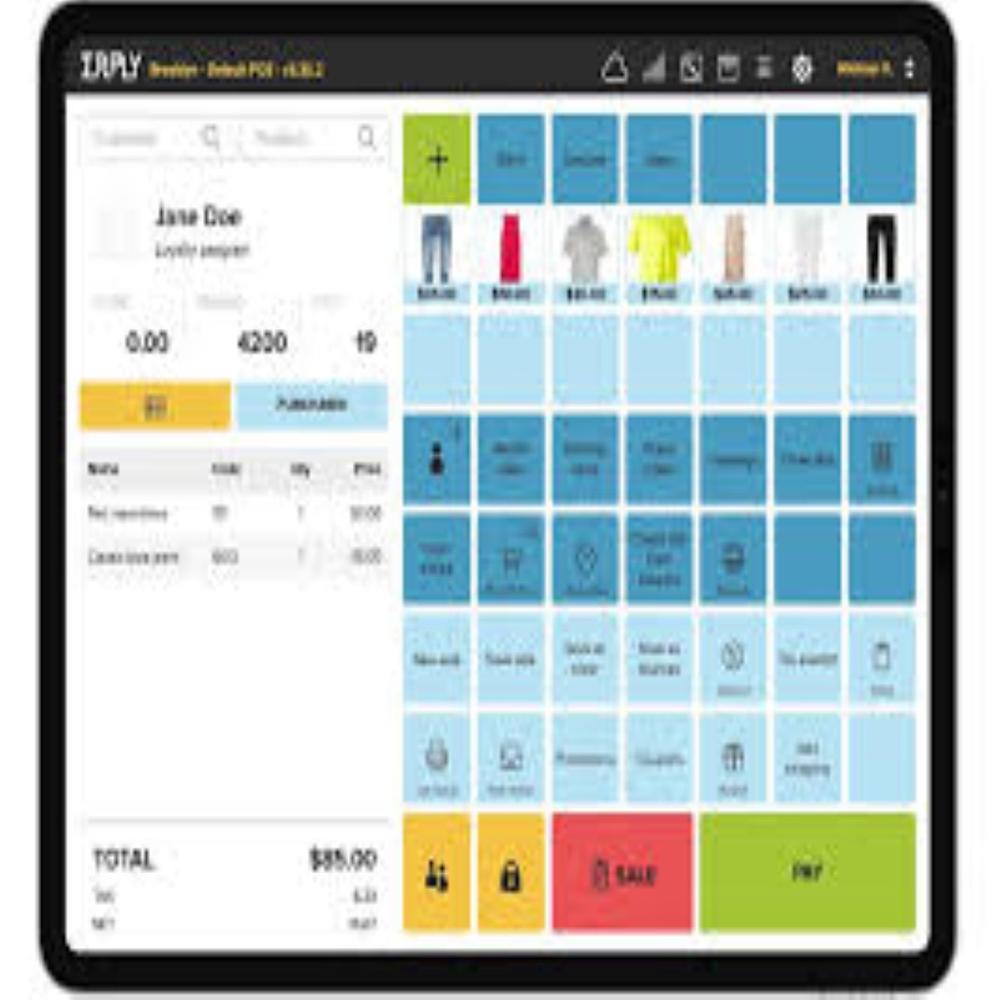
Our POS Software is designed for a vast spectrum of specific uses, including billing, inventory management, order processing, sales reporting, and customer management. Whether installed in service outlets or bustling supermarkets, its intuitive interface supports touch, keyboard, mouse, and barcode scanner entry methods. It delivers a radiant, user-friendly experience on POS terminals, desktops, laptops, and tablets. Its masterful adaptability empowers staff at retail shops, restaurants, bakeries, and fast-food outlets, enhancing efficiency in daily operations.
Certifications, Export Market, and Delivery
Our POS Software is shipped with all necessary certifications for safety, security, and performance, ensuring a superior experience for every user. We provide prompt delivery-products are generally shipped within the valuation and proposal agreement timeframe, tailored to your business needs. The software is highly regarded and exported to major markets, and our service includes full assistance from proposal amount discussions to post-delivery support. Trust us to deliver solutions with recognized compliance and timely turnaround.
FAQ's of POS Software:
Q: How does the POS software support multi-location businesses?
A: The POS software provides centralized data management and supports networking over LAN or Wi-Fi, allowing you to efficiently manage operations across multiple business locations.
Q: What process is involved in customizing invoice templates?
A: Customizing invoice templates is straightforward through the software's settings panel, where you can select, design, and modify layouts to meet your specific invoicing requirements.
Q: Where can the POS system be used?
A: The software is suitable for various outlets like restaurants, supermarkets, retail shops, ice cream parlors, hotels, bakeries, fast food joints, and service centers due to its versatile application and hardware compatibility.
Q: When are software updates and data backups performed?
A: Software updates can be set to occur automatically or manually, while data backups are scheduled automatically or can be configured for on-demand cloud backups, ensuring data integrity at all times.
Q: What benefits are available if I choose on-site or remote training?
A: Both on-site and remote training options ensure your team gains expert knowledge and confidence using the software, supporting smooth implementation and ongoing operational proficiency.

 Send Inquiry



 Send Inquiry

 Send Inquiry
