About Bakery Billing Software
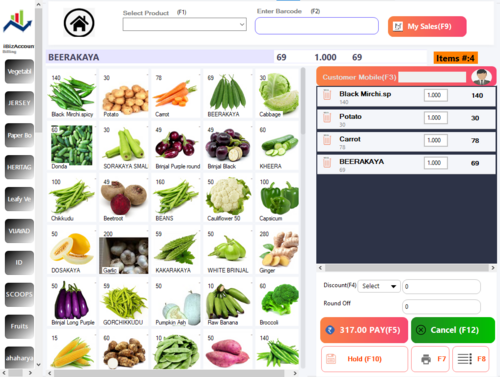
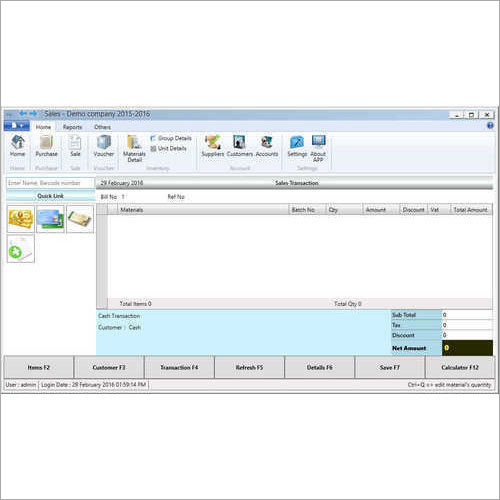
Offline & Online Bakery Billing Software>Offline Billing>Purchase Management>Inventory>Customer listing>Discounts>Low Stock Alerts>Reports of daily sales>Reports of weekly sales>Reports of monthly sales>Reports of POS Terminals wise>Reports of Payment types>GST reports>Sales reports by product and category>Stock Tracking & Stock reports>Barcode label generation>etc...
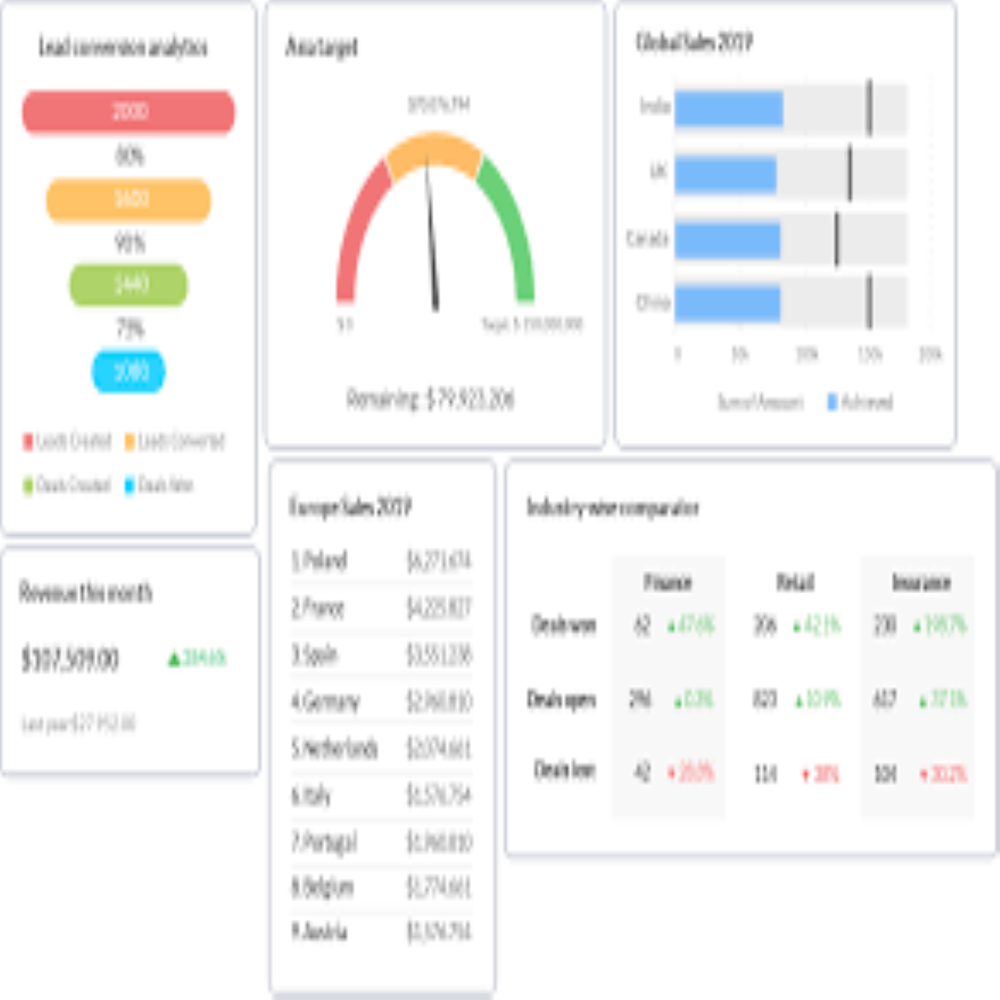
Comprehensive GST Invoice and Reporting SupportEasily generate GST-compliant invoices and detailed reports necessary for sales, inventory, and accounting with the Bakery Billing Software. Its built-in GST support allows you to accurately calculate and apply taxes, ensuring compliance with Indian tax regulations while streamlining your business operations. The systems reporting suite enables actionable insights for better decision-making.
Flexible Licensing and Data SecurityThe Bakery Billing Software offers both 1-year and lifetime licensing, adapting to your business needs. With automatic as well as manual backup features, your business data is protected from accidental loss. Password protection and advanced data security controls further safeguard sensitive business information, providing peace of mind.
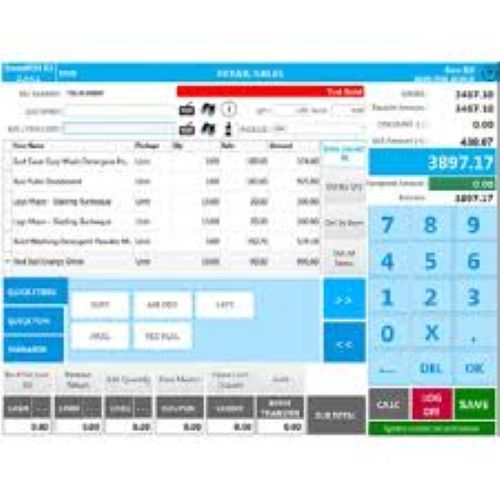
Seamless Integration and User-Friendly AccessEnjoy compatibility with touch screen systems, keyboards, POS terminals, and barcode scanners, making installation seamless in bakery retail setups. Mobile app support (Android/iOS) ensures you can manage your bakery billing and inventory remotely. Multiple user access and regional language support provide flexibility and ease of use across your team.
FAQs of Bakery Billing software:
Q: How do I switch between the 1-year and lifetime license for the Bakery Billing Software?
A: You can select your preferred license durationeither 1-year or a lifetime optionwhen purchasing the software from the supplier or manufacturer. Upgrading from a 1-year license to lifetime is also possible by contacting your service provider and following their license extension process.
Q: What steps should I follow to back up my bakery data?
A: Bakery Billing Software offers both automatic and manual backup options. For automatic backups, configure the schedule in the settings menu. To perform a manual backup, navigate to the backup section within the application and follow the prompts to securely save your data locally or to cloud storage, ensuring your transactions and reports remain safe.
Q: When should I use manual backup versus automatic backup?
A: Automatic backups are ideal for routine data protection, running at set intervals. Manual backups are useful before making significant changes, such as software updates or importing data, providing an extra layer of data safety. Both methods ensure your information is recoverable during unexpected events.
Q: Where can I access GST billing and accounting reports in the software?
A: Within the Bakery Billing Software dashboard, navigate to the reporting or accounts section. Here, you can easily generate GST-compliant invoices, view detailed sales, inventory, and accounting reports, and export them for your records or for submission to authorities, ensuring statutory compliance.
Q: How does integration with printers and POS systems work?
A: The software supports various hardware, including thermal and dot-matrix printers, POS terminals, and barcode scanners. Connect your devices following the compatibility guidelines in the user manual. Once configured, billing, invoicing, and inventory management can be handled seamlessly across your setup.
Q: What are the key benefits of using the mobile app with this billing software?
A: With the Android and iOS mobile apps, you can issue invoices, track sales, manage inventory, and monitor reports remotely. This offers flexibility and real-time access, enabling you to keep your bakery operations efficient whether you are on-site or away.

 Send Inquiry



 Send Inquiry

 Send Inquiry
